Chinese Guangzhou Office Furniture Manufacturer & Supplier Since 2006 - Xusheng Furniture
Language
Chinese Guangzhou Office Furniture Manufacturer & Supplier Since 2006 - Xusheng Furniture
Do you ever feel that nagging ache in your back after a long workday? Or maybe your wrists just aren't what they used to be? You're not alone. Poor posture and uncomfortable setups sabotage our well-being and productivity. Studies show that workplace injuries and illnesses cost billions each year.
But what if your home office furniture could help you feel better and work smarter? Imagine a workspace that actively supports your body, keeping aches at bay and focus razor-sharp. We show you how to build that reality.
Ergonomics is the science of designing spaces and tools to fit the human body, not the other way around. This means less strain, more comfort, and, surprisingly, a real boost to your work.
Here’s how ergonomic office furniture helps you win the workday:
● Say Goodbye to Aches: This is the most immediate and noticeable benefit. Ergonomic chairs, for example, offer adjustable lumbar support that cradles your lower back's natural curve. This takes pressure off your spine and reduces those nagging back and neck pains. We’ve heard countless stories of people finding relief after years of discomfort, simply by switching to a proper chair.
● Boost Your Focus and Productivity: When you're not distracted by pain, you can truly concentrate. Imagine a workday where your mind is on your tasks, not on your aching shoulders. Studies have even shown a significant increase in productivity – some reports suggest up to 40% – for those using ergonomic setups. You just get more done.
● Improve Your Posture, Naturally: Ergonomic furniture encourages a neutral posture. This means your spine aligns correctly, your shoulders relax, and your head sits balanced over your body. It's not about forcing yourself into a "good" posture, but rather letting the furniture guide you there effortlessly. Over time, you’ll find your natural posture improves, even when you’re away from your desk.
● Increase Energy Levels: Sitting static for hours can make you feel sluggish. Ergonomic furniture, especially sit-stand desks, promotes movement. Shifting positions throughout the day keeps your blood flowing, delivering oxygen and nutrients to your brain and muscles. You feel more awake, more alert, and less prone to that dreaded mid-afternoon slump.
● Prevent Long-Term Health Issues: This is the big picture. By supporting your body correctly and encouraging movement, ergonomic furniture helps prevent serious problems down the road. We’re talking about reducing the risk of conditions like carpal tunnel syndrome, chronic back pain, and even issues related to prolonged sedentary behavior. It’s an investment in your future health.
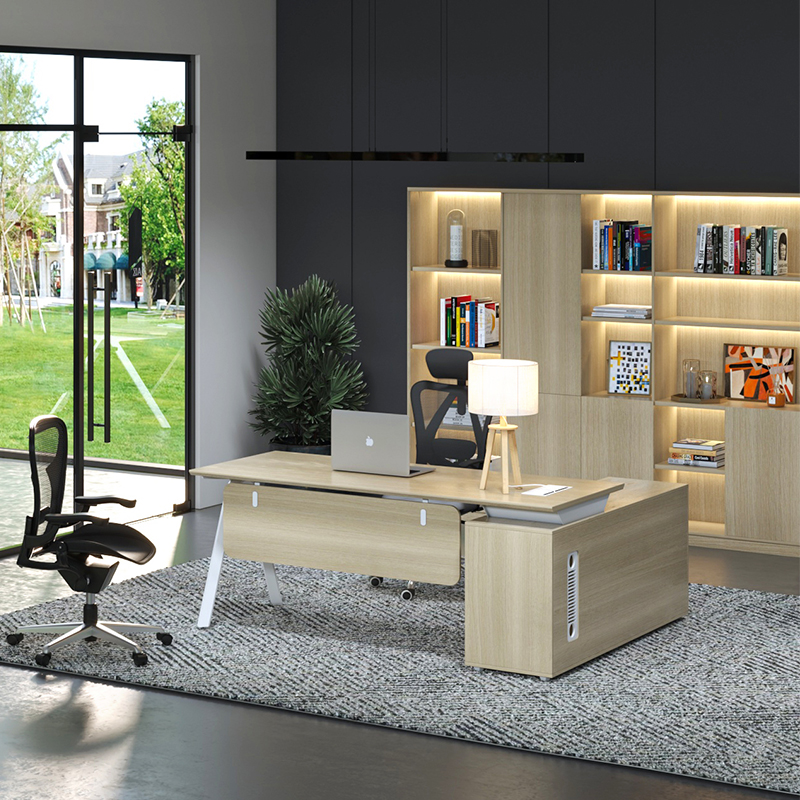
You’ve likely heard the phrase "sitting is the new smoking." While that might sound dramatic, there’s truth to the idea that prolonged sitting is detrimental to your health. This is where the sit stand table, also known as a standing desk, enters the picture. It’s not just a trend; it's a fundamental shift in how we approach our workday, allowing you to fluidly move between sitting and standing.
Our bodies thrive on movement. Traditional home office desks chain us to one position for hours on end, slowing circulation and putting constant pressure on our spines. A sit stand table breaks that chain, giving you the freedom to change your posture whenever you need to.
Here’s why embracing a sit-stand desk can transform your workday:
● Combat the Sedentary Trap: This is the primary benefit. With a sit-stand desk, you’re no longer stuck in a single position for hours. You can stand for a meeting, sit for focused work, and then stand again. This constant, subtle movement is incredibly beneficial for your overall health. It keeps your muscles engaged and your blood flowing.
● Boost Your Energy and Focus: Standing naturally makes you feel more alert than sitting. When you're standing, your circulation improves, sending more oxygen to your brain. This can lead to clearer thinking and sustained concentration throughout the day. We often find that the mid-afternoon slump disappears when people incorporate standing breaks.
● Reduce Back and Neck Pain: This goes hand-in-hand with an ergonomic chair. When you can alternate between sitting and standing, you distribute the pressure on your spine and muscles. This significantly reduces the likelihood of developing or worsening back and neck pain. Many users report a dramatic decrease in discomfort after switching to a sit-stand setup.
● Burn More Calories: While it's not a substitute for exercise, standing burns more calories than sitting. Over a full workday, those extra calories add up. It's a simple, passive way to increase your daily energy expenditure. Every little bit helps.
● Increase Productivity: When you feel better, you work better. The combination of reduced discomfort and increased alertness from moving between sitting and standing often translates directly into higher productivity. You're less distracted by aches and more engaged with your tasks.
Types of Sit-Stand Table:
When you're considering a sit-stand table, you have a few options:
● Electric Standing Desks: These are the most popular. With the push of a button, an electric motor smoothly raises or lowers the desk to your preferred height. They often come with memory presets, so you can save your perfect sitting and standing heights. They offer the most convenience.
● Manual Standing Desks (Crank or Pneumatic): These require you to manually crank a handle or use a pneumatic lift to adjust the height. They are typically more affordable than electric models but require more effort to adjust.
● Desktop Converters: If you’re not ready to replace your entire desk, a converter sits on top of your existing desk and raises your monitor and keyboard. They offer a more budget-friendly way to experiment with standing.
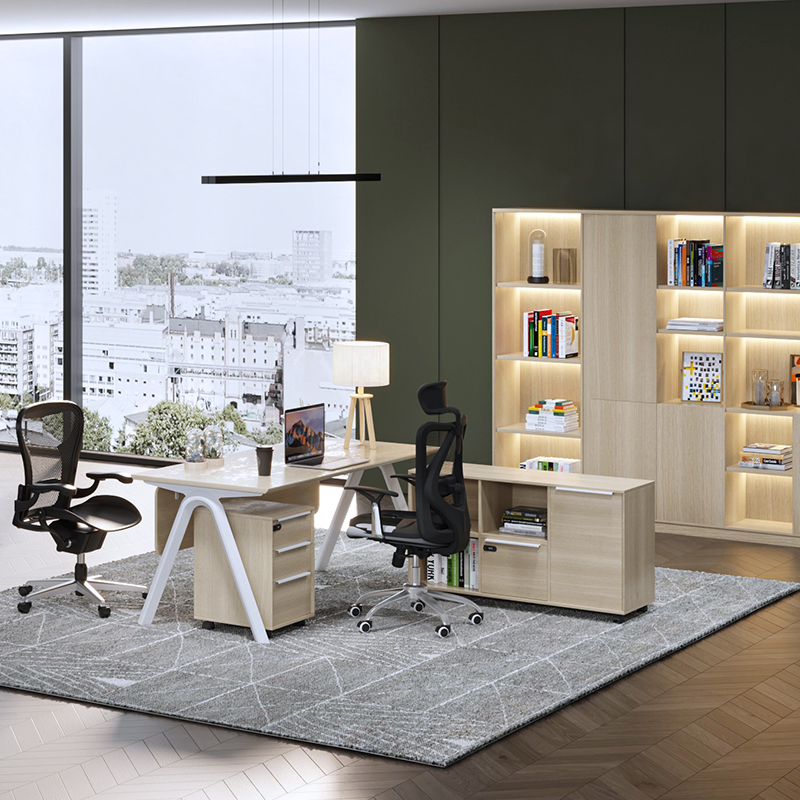
Choosing an ergonomic chair isn't like buying just any office chair. This is an investment in your well-being, so you want to get it right. We're looking for adjustability, support, and a good fit for your body. Don't just grab the first "ergonomic" chair you see; many claim the title without delivering the goods.
Here's what to look for when you're on the hunt for your ideal ergonomic seat:
● Adjustable Seat Height: This is non-negotiable. Your feet should be flat on the floor, or on a footrest, with your knees at roughly a 90-degree angle. This keeps pressure off your lower back and promotes good circulation. We’ve seen many people with chairs too high, causing them to slouch forward. Don't be that person.
● Lumbar Support: Your lower back has a natural curve. A good ergonomic chair will have adjustable lumbar support that matches this curve, filling the gap between your lower back and the backrest. Some chairs have a knob or lever to move the support up and down, or in and out. This feature is crucial for preventing slouching and reducing lower back pain.
● Armrests that Adjust: Your armrests should allow your arms to rest comfortably, keeping your shoulders relaxed and elbows at about a 90-degree angle. Look for armrests that adjust in height, depth, and even pivot. This takes strain off your neck and shoulders, especially when you're typing. You want them to support your forearms, not your elbows.
● Seat Depth and Tilt: The seat pan should be deep enough so that you can lean back into the chair while still having a couple of inches between the edge of the seat and the back of your knees. This prevents pressure on your circulation. A tilt mechanism allows you to recline slightly, which can take pressure off your spine throughout the day.
● Backrest Recline and Tension: A good chair lets you recline, and it also lets you adjust the tension of that recline. This means you can find a comfortable angle and still feel supported. You should be able to rock back and forth smoothly without feeling like you're going to tip over or that you're fighting the chair.
● Swivel Base: This seems obvious, but a smooth swivel lets you reach different parts of your workspace without straining or twisting your body.
You’ve got your ergonomic chair, maybe even a sit-stand desk. That’s a fantastic start! But ergonomic furniture alone isn't a magic bullet. How you arrange your entire workstation makes a huge difference. We want to create a setup that works with your body, minimizing strain and maximizing your comfort and efficiency. It’s about more than just the big pieces; it’s about the whole picture.
Here's how to fine-tune your ergonomic setup:
● Monitor Placement is Key: Your monitor should be directly in front of you, at arm's length. The top of your screen should be at or slightly below eye level. This prevents neck strain from looking up or down too much. If you use multiple monitors, arrange them so your primary screen is centered and the secondary screen is easily viewable without excessive head turning.
○ Pro Tip: Use a monitor arm. They offer incredible flexibility, allowing you to adjust height, depth, and angle with ease.
● Keyboard and Mouse Positioning: These are your primary tools, so get them right. Your keyboard should be close enough so your shoulders are relaxed and your elbows are at roughly a 90-degree angle, close to your body. Your wrists should be straight, not bent up or down.
○ Wrist Rests? Use with Caution: While they can feel comfortable, wrist rests are meant for pauses in typing, not for continuous support while you type. Resting your wrists on them while typing can actually compress nerves.
○ Consider Ergonomic Keyboards and Mice: If you experience wrist discomfort, a split keyboard or an ergonomic mouse (like a vertical mouse) can make a huge difference. They promote a more natural hand and wrist position.
● Lighting Matters More Than You Think: Poor lighting causes eye strain, headaches, and even neck pain from squinting or craning your neck to see.
○ Avoid Glare: Position your monitor to avoid direct glare from windows or overhead lights. You might need to adjust blinds or use an anti-glare screen.
○ Optimal Brightness: Your screen's brightness should match the brightness of your surroundings. Adjust it to a comfortable level.
○ Task Lighting: Consider a good desk lamp that provides adjustable, diffused light for reading documents.
● Keep Essentials Within Reach: Avoid unnecessary reaching and stretching. Your phone, notebook, pens, and anything else you use frequently should be easily accessible without straining. This seems minor, but repetitive reaching adds up to strain over a long workday.
● Take Micro-Breaks: Even with the perfect ergonomic setup, sitting or standing perfectly still for hours isn't ideal. Every 30-60 minutes, take a short break. Stand up, stretch, and walk around for a minute or two. This helps your circulation, relaxes your muscles, and gives your eyes a break. Your body will thank you.
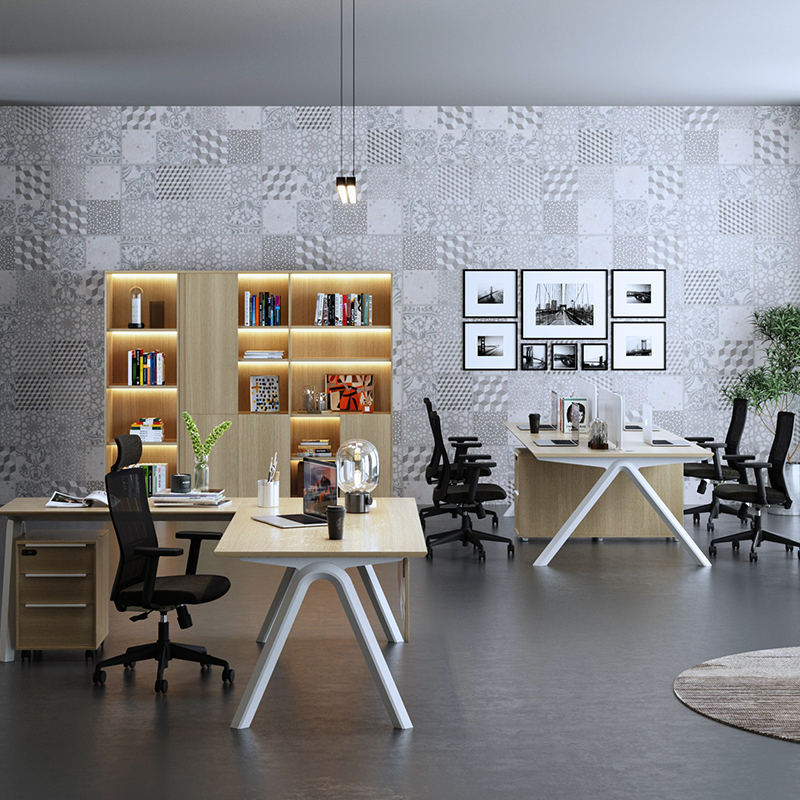
You’ve seen how traditional office setups can be a real pain—literally. But you also have the tools and knowledge now to create a workspace that champions your well-being. Investing in ergonomic office furniture and setting it up correctly isn't just about comfort; it's about making a smart decision for your long-term health and boosting your daily performance.
Imagine leaving work without that familiar ache in your neck or that stiffness in your back. Imagine feeling more energized and focused throughout the day. This isn't a pipe dream; it's the reality you can create with the right ergonomic approach. We encourage you to start making these changes today.
Ready to transform your workspace? Explore our range of ergonomic solutions, including high-quality sit-stand desks, at Xusheng Furniture.

Best China Office Furniture Manufacturer & Supplier with ODM service Since 2009.